Zimbra: How to reset your password with a recovery address.
Important: After resetting your password in Zimbra webmail you will need to update the email account password on ALL your devices email apps.
Once you have added and confirmed a recovery address for your Zimbra email account, you can then use that address to receive a recovery code:
-
Go to https://webmail.his.com
-
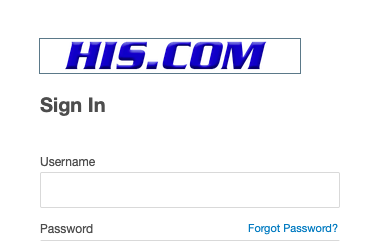
Click Forgot Password.
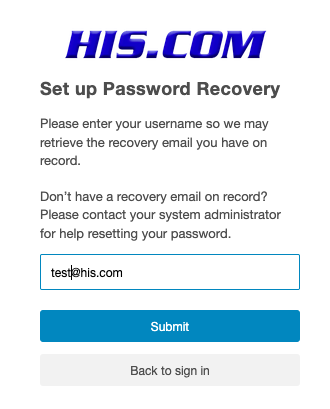
- Enter your HIS hosted email address as username.
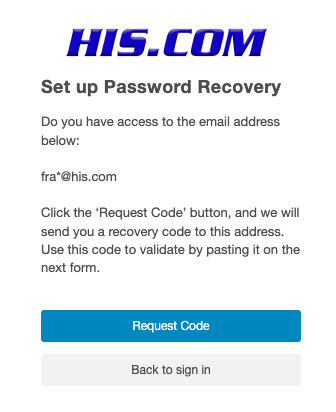
- Click Request Code to have a recovery code sent to your recovery email address.
-
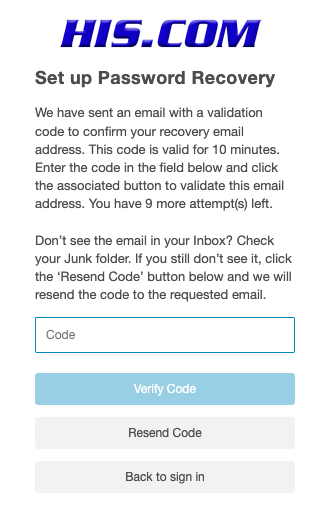
Check your recovery email address for an email from your HIS hosted email account with subject: "Reset your his.com password" and copy the code.
-
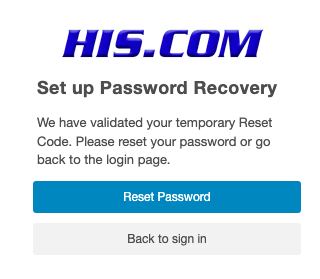
Go back to HIS webmail recovery page and enter the reset code to verify the account.
- Reset Password: Select the option to Reset Password to create a new password.
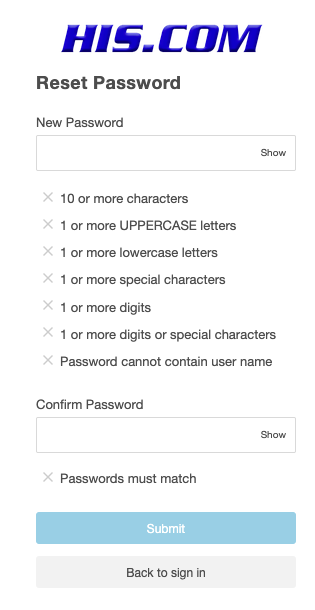
- Enter the new Password and confirm, click Submit.
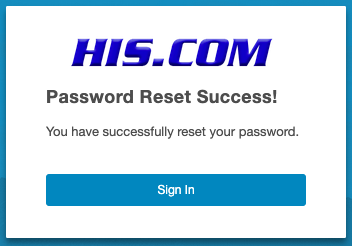
- Once the password is reset your will see a message "Password reset Success!": Click on Sign n be taken to your account.
Important: After resetting your password you will need to update the email account password on ALL your devices email apps ASAP: see: https://kb.his.com/kb/browse/1995-Updating-Password
In the meantime keep webmail open for checking your email messages.